



The Lab Alley Autoship Program is a subscription service designed to simplify the reordering of essential chemicals while providing cost savings and scheduling flexibility.
Below is a summary of the key features and benefits as outlined on the page:
Core Benefits
- 10% Discount: Customers receive a 10% discount on every product included in an Autoship order.
- Flexible Scheduling: Users can choose a delivery frequency that fits their needs, typically ranging from 1 to 12 weeks.
- Priority Shipping: Autoship orders are prioritized, with most shipping from their Austin, Texas warehouse within 1 to 2 business days.
- Customizable Shipping: Customers can select their preferred carrier and shipping method at checkout.
How It Works
- Enrollment: While shopping, select the "Autoship" option on eligible product pages.
- Checkout: The 10% savings are automatically applied during the checkout process.
- Management: Subscriptions can be managed via the customer dashboard, where users can change frequencies, reschedule deliveries, or cancel at any time.
Important Policies
- Reminders: Lab Alley sends a reminder email two days before a scheduled order is processed to confirm products, quantities, and the ship date.
- Eligibility: Most items are eligible, but products that do not ship directly from the Austin warehouse may not have the Autoship option.
- Combining Discounts: The 10% Autoship discount cannot be combined with other promotions, custom pricing, or additional coupons.
- Modifications: To avoid charges for a specific cycle, changes or cancellations must be made before the order is processed and assigned a tracking number.
How to Use Autoship
Follow these three simple steps to unlock exclusive discounts and effortless deliveries.
1. Select Subscribe & Save
2. Choose your delivery frequency
3. Complete your purchase
We’ll handle the rest!
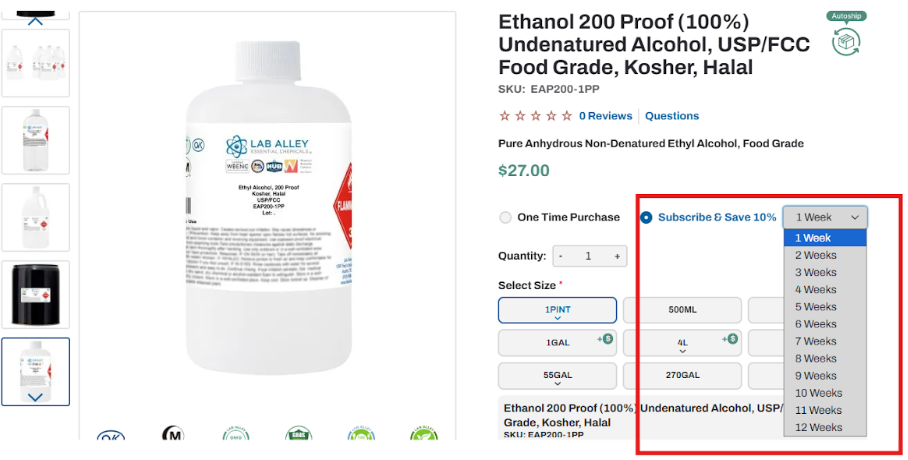
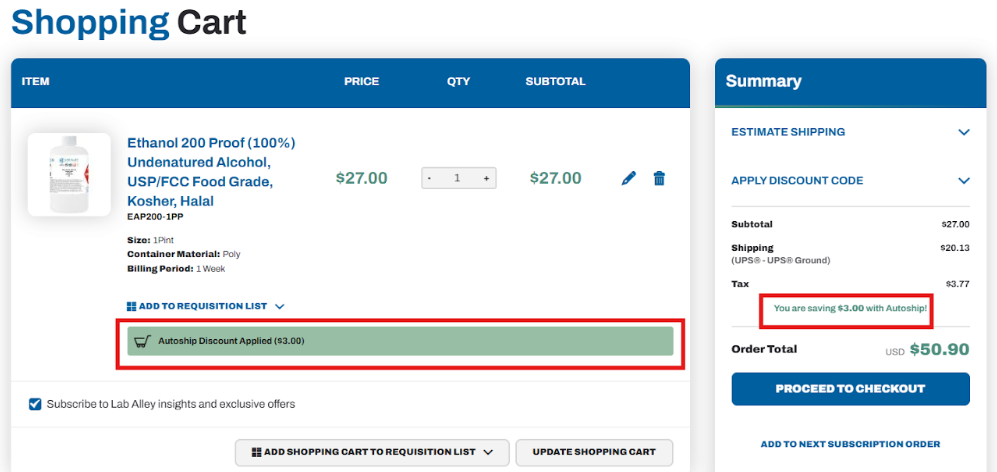
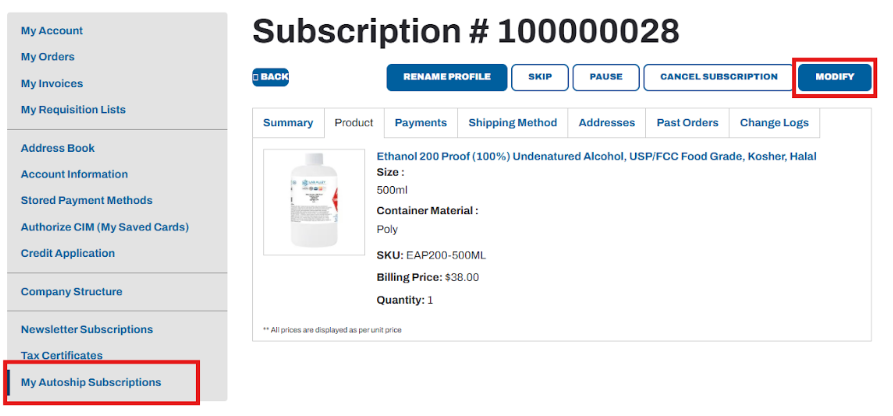
Managing Autoship Subscriptions is easy!
1. Be sure you're logged in to your account
2. In your accout manager, chose "My Autoship Subscriptions"
3. If you need additional assistance, contact us.
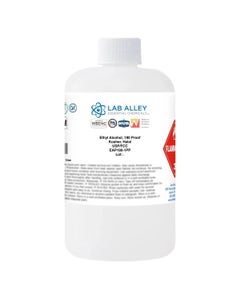
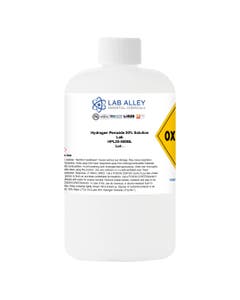
Popular Autoship Items
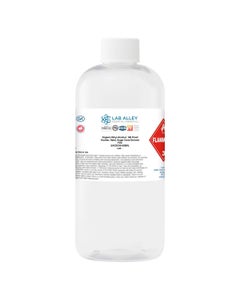
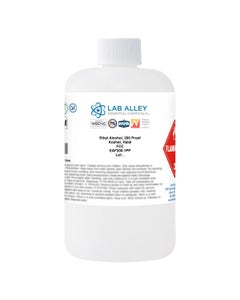

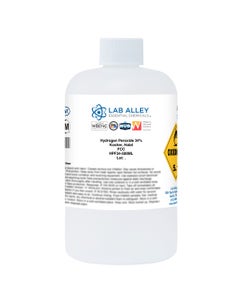
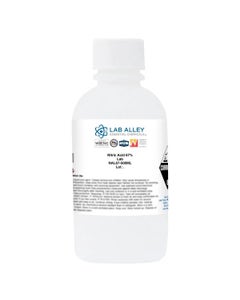



Frequently Asked Questions
How does Autoship work?
Autoship is a subscription-based service that allows you to receive products on a recurring schedule without having to reorder manually each time.
- To enroll, choose Autoship when shopping for our wide selection of products.
- Set frequency, then add items to your cart. Note: each Autoship order must be processed separately.
- Create an account, or login using your credentials.
- Select your preferred shipping frequency.
- Submit payment information.
- Receive your order confirmation. Your first Autoship order will arrive soon!
Do I get a discount for choosing Autoship?
Yes! You save 10% on every order when selecting a frequency between 1 to 12 weeks.
Are there any items that can’t be ordered through Autoship?
Yes, there are some items that do not ship directly from our Austin, Texas warehouse. Those items will not have the Autoship option available on the product page.
When will my order ship?
Autoship orders are a priority! Most orders ship from our Austin, Texas warehouse within 1 to 2 business days.
Will I receive a reminder email?
Two days prior to your scheduled Autoship order, you’ll receive an email confirming the product, quantity and ship date. A confirmation email will be sent once your Autoship order has been placed. Tracking information will be sent once products are shipped.
How do I cancel or change my Autoship order?
To change, reschedule, or cancel your Autoship order, log into your customer dashboard and go to your orders. You will see “Autoship” towards the right. Select this option to manage your order. Note: placing an order on “Pause” will prevent all future deliveries. You can remove the “Pause” at any time.
Can I apply promotions to my Autoship order?
All your Autoship orders receive 10% off. We are unable to combine any promotions, custom pricing, or additional discounts to your Autoship order.
How can I update my payment method?
Manage your ongoing Autoship order in your customer dashboard by going to “Payments” and selecting the “Update your payment method” link. Here you can update credit card information.